

Description
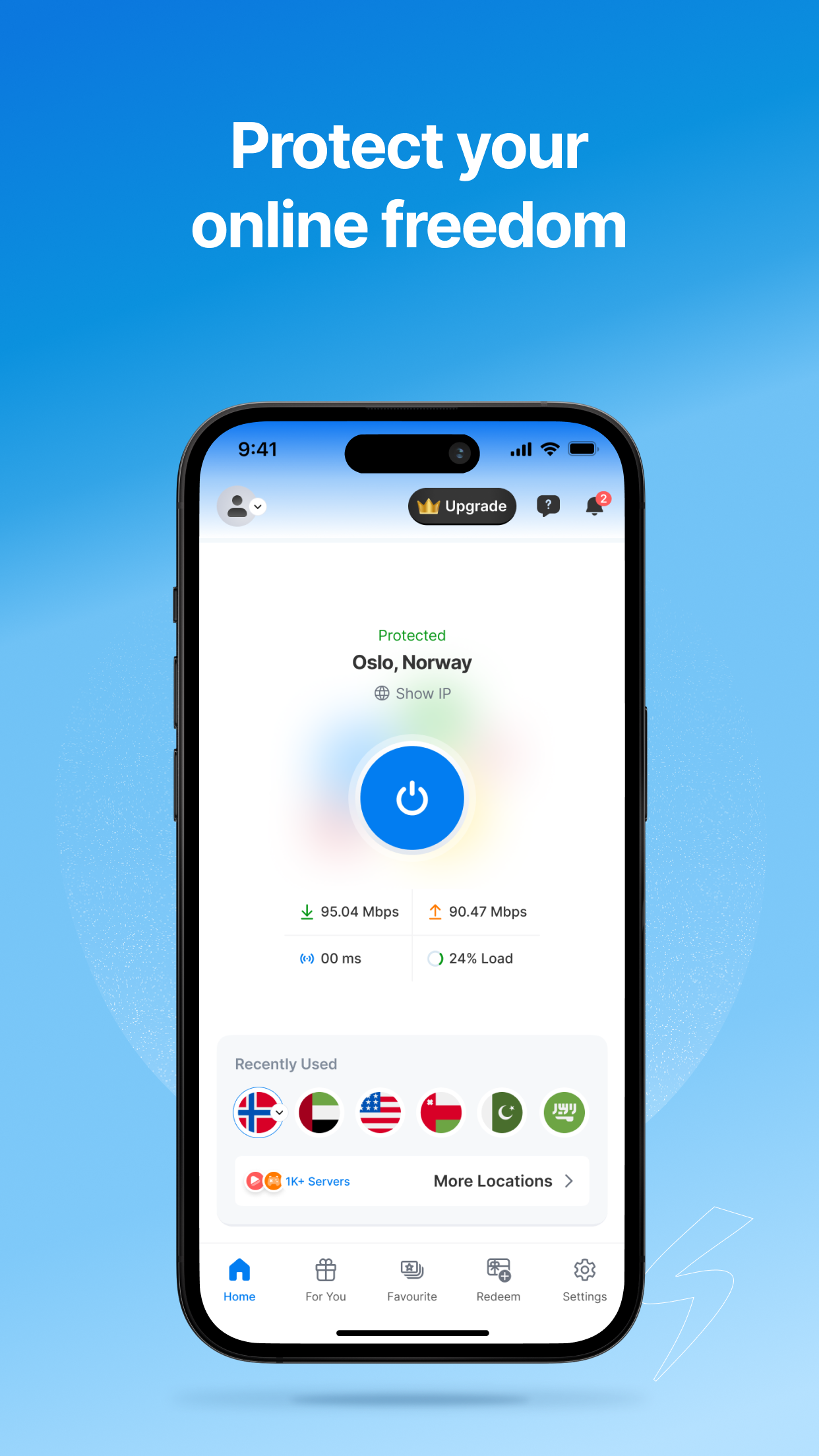
Symlex VPN helps protect your internet connection with secure protocols and privacy-focused features. Eligible new users receive 5 days of Premium access without adding a card or payment method. The Premium access ends automatically and does not convert into a paid subscription. Connect through 1,000+ servers across 100+ locations. At home, while traveling, or on public Wi-Fi, Symlex VPN helps keep your connection private, secure, and reliable.
WHY CHOOSE SYMLEX VPN?
● 5-day Premium access with no card required
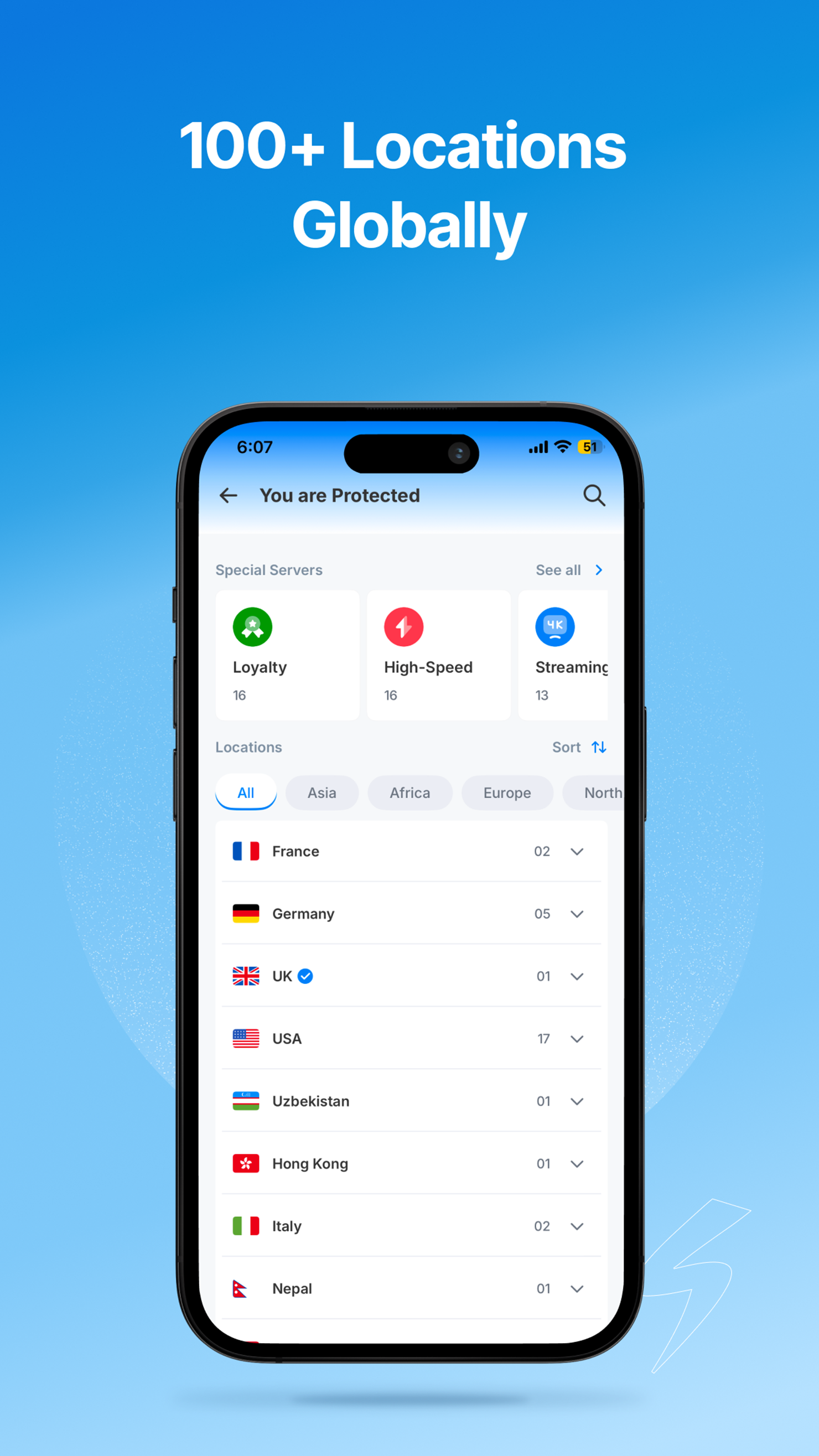
● 1,000+ servers across 100+ locations
● Unlimited bandwidth
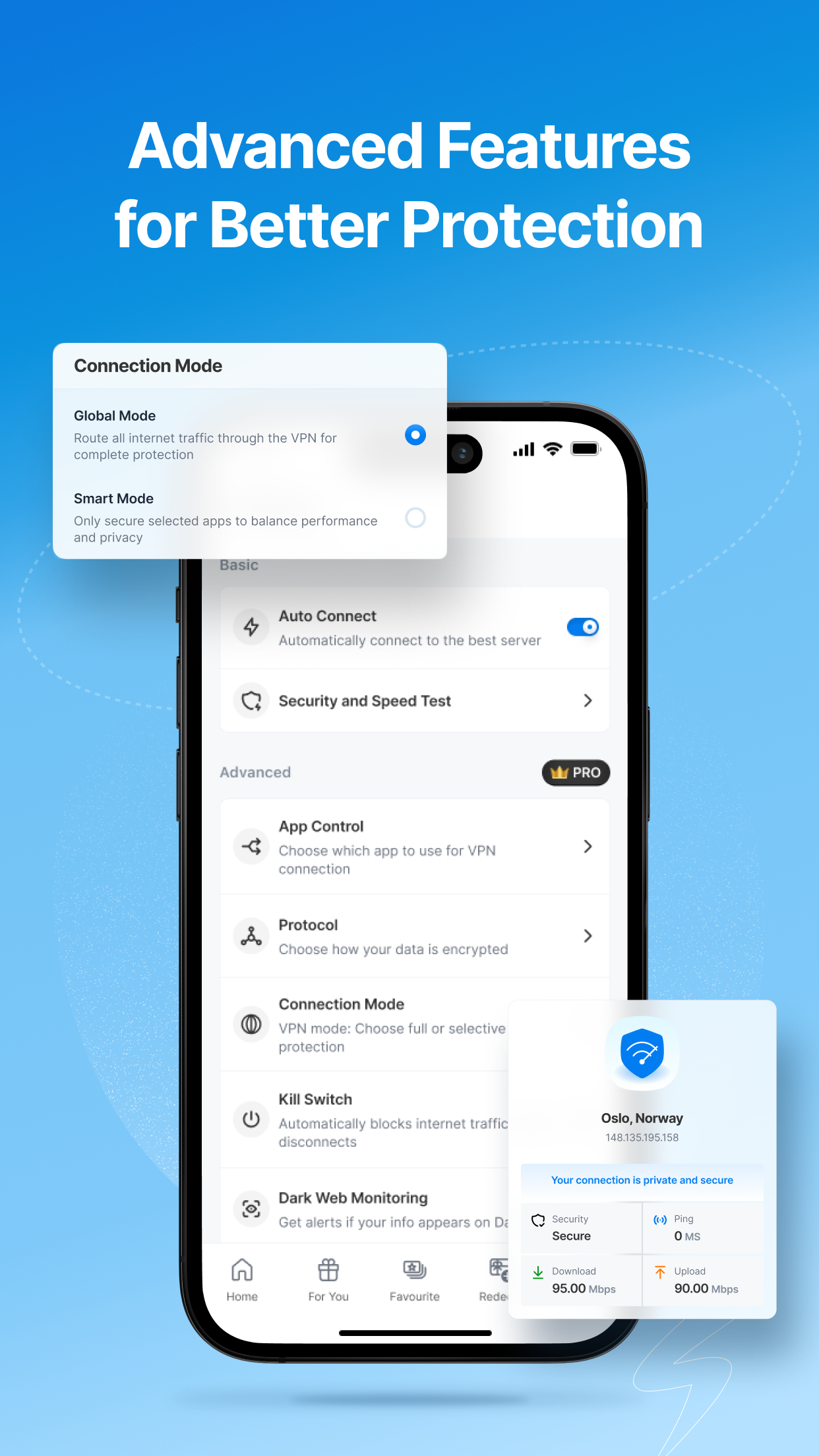
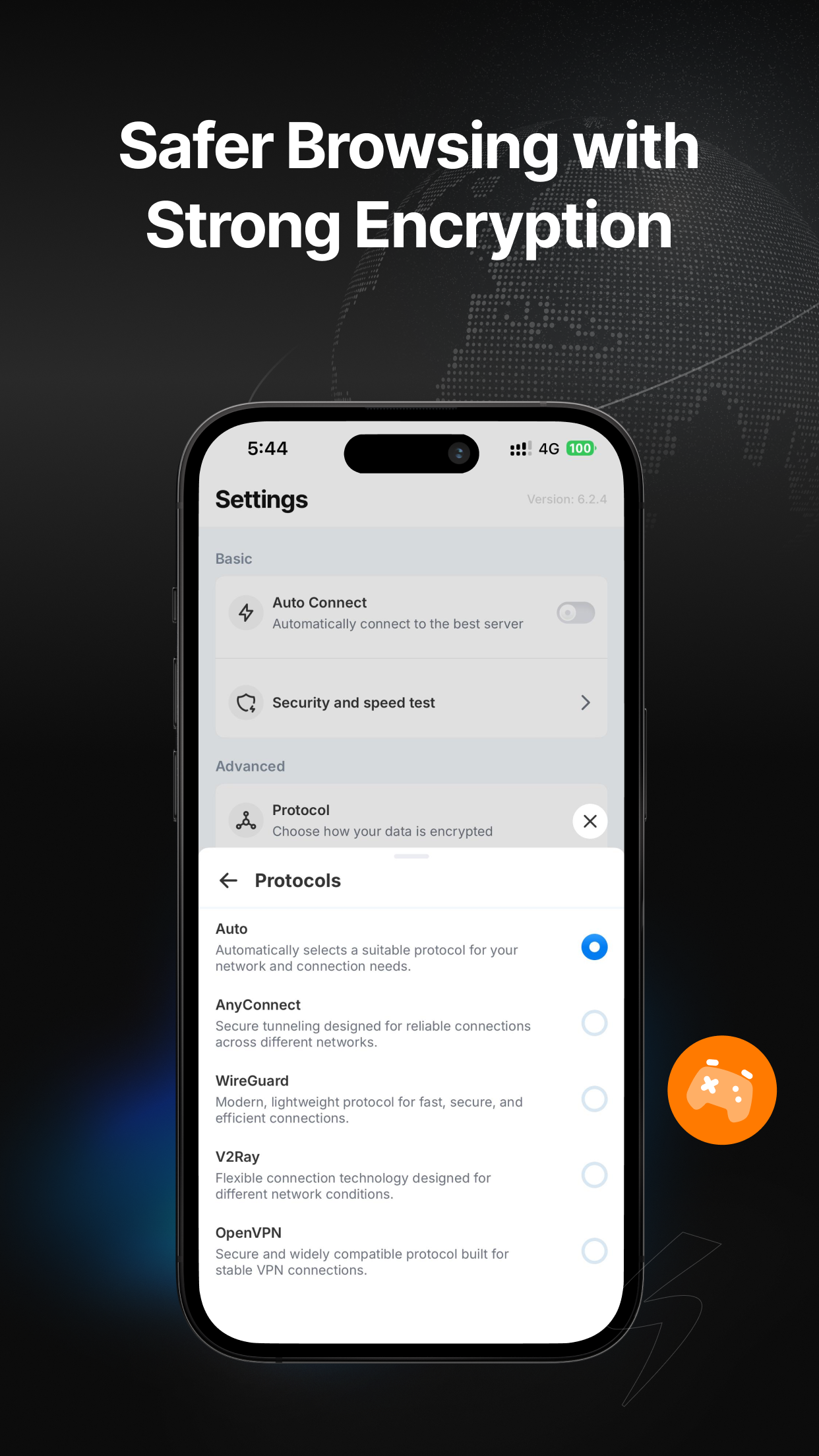
● AnyConnect, WireGuard, V2Ray, and OpenVPN support
● Kill switch, Split tunneling
● DNS leak protection
● Smart server selection
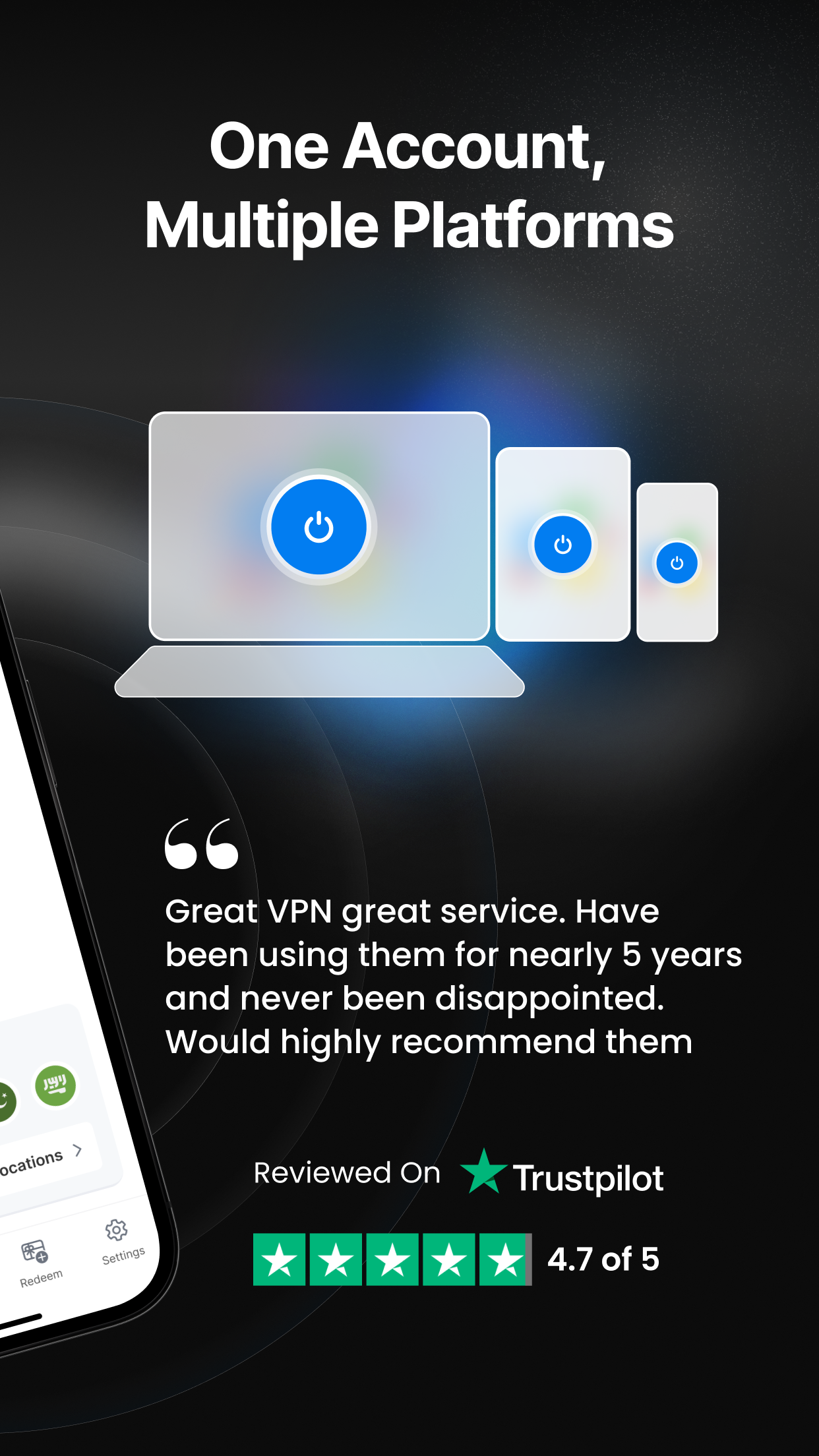
● Connect up to 5 devices simultaneously
● 24/7 customer support
PRIVATE AND SECURE BROWSING
Symlex VPN encrypts your connection and helps protect your IP address on mobile data, home Wi-Fi, and public networks. On Android, Symlex VPN uses Android's VpnService to establish and manage a secure VPN connection between your device and the selected VPN server.
BUILT FOR DIFFERENT NETWORK CONDITIONS
Network conditions vary by location and provider. Multiple protocols let you select a suitable option, while smart server selection makes connecting simple.
TRAVEL, COMMUNICATION, GAMING, AND STREAMING
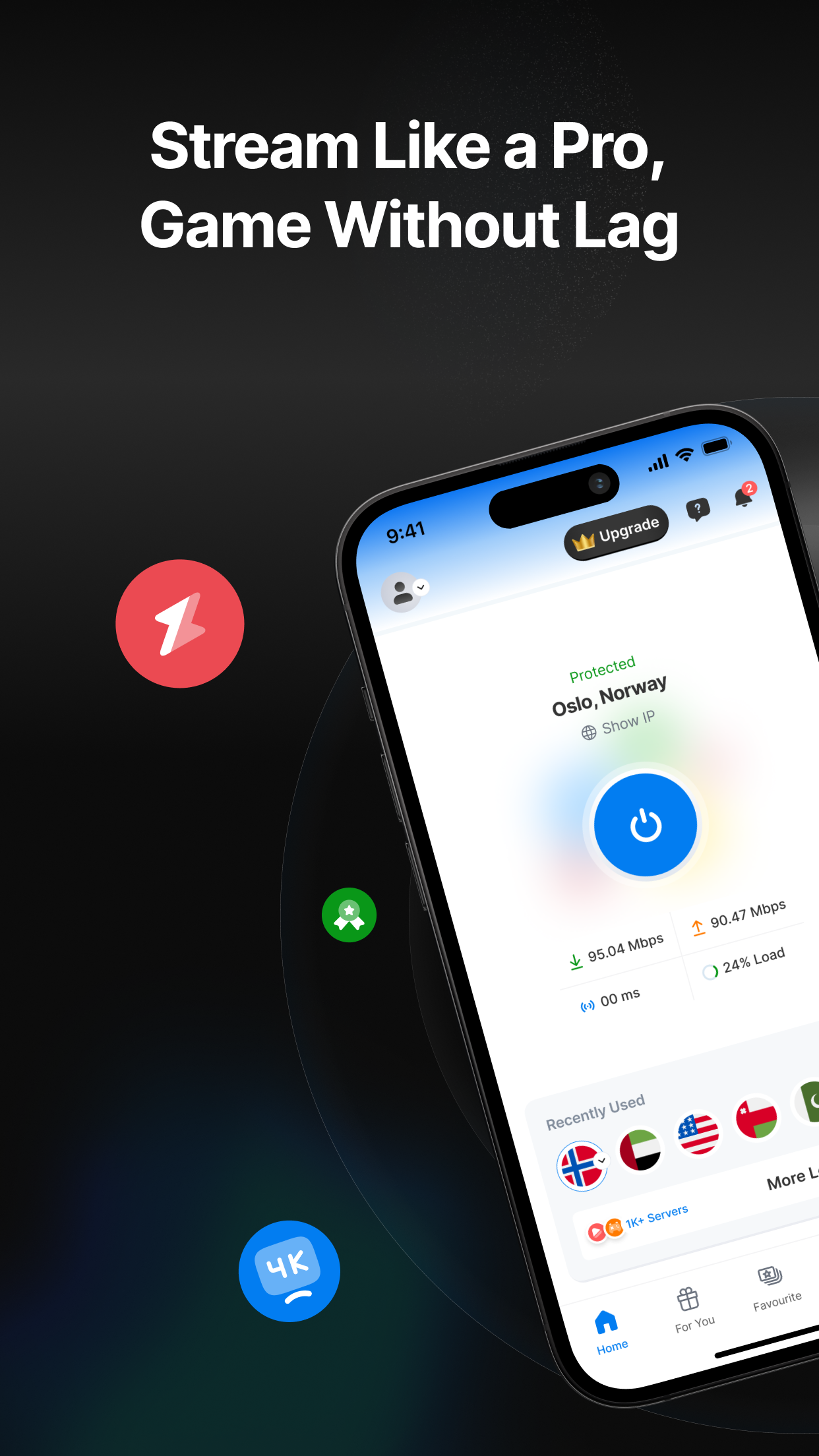
Symlex VPN supports browsing, secure communication, gaming, streaming, downloads, and other online activities.
PREMIUM ACCESS AND SUBSCRIPTIONS
After the 5-day Premium access period ends, selected free servers remain available. You can purchase Premium for access to the complete Premium server network and additional features.
Subscriptions purchased through Google Play are billed through your Google Play account and renew according to the selected billing period unless canceled.
You can manage or cancel your subscription through Google Play subscriptions. Prices, billing periods, plans, and benefits are displayed before purchase and may vary by region.
EASY TO GET STARTED
1. Download Symlex VPN.
2. Create or sign in to your account.
3. Verify your email address.
4. Choose a server location.
5. Tap Connect.
Related Apps + Games
View All-

Extra Fast Racing 3D
by door to appps
-

Tom And Jerry Cartoons
by ocolars
-

ZoomZoom : Cab Driver, Build Career & Earn Money
by Zoom Innovations Inc.
-

Mac fusion
by 3monkeygames