

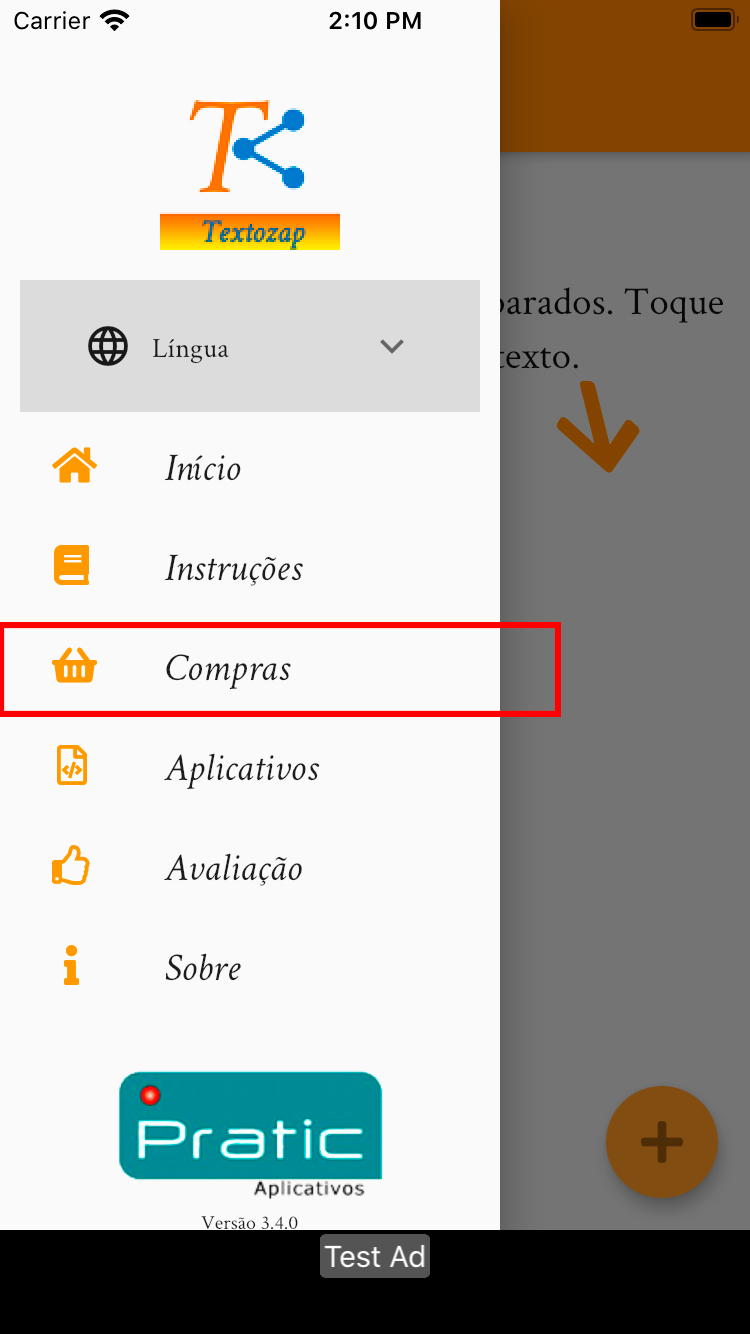
Description
Easy way to send ready-made (or semi-ready) texts to your contacts via WhatsApp or other messaging apps
A practical way to send ready-made messages through WhatsApp, Viber, Telegram, Skype, SMS, Facebook, and more.
Do you frequently send similar messages through messaging apps like WhatsApp, Viber, Telegram, Skype, SMS, email, etc.? Then this is the right app for you!
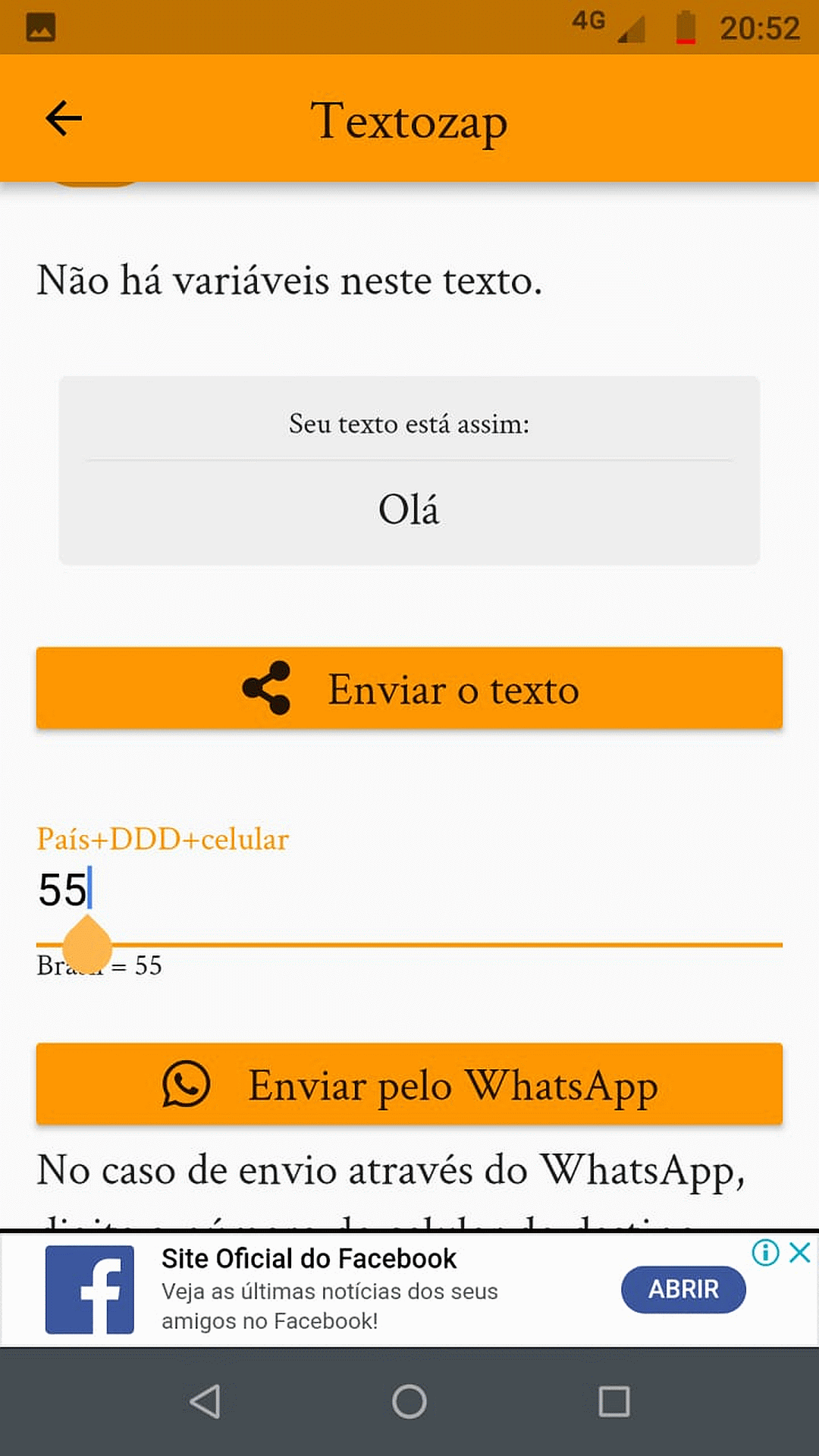
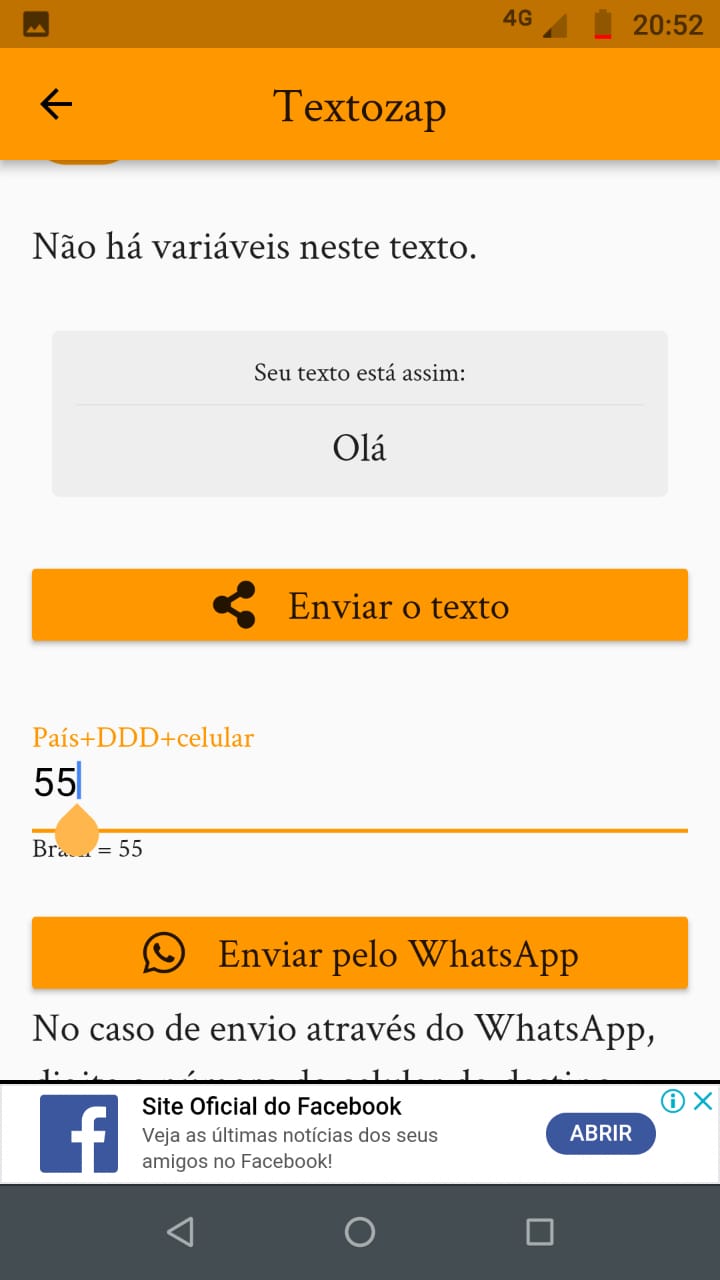
With this app, you prepare your messages in advance, and whenever you need to send one, simply choose it and send it to a contact or a group on any of these messaging platforms.
Messages can also be finalized on the spot using wildcard fields. You can leave placeholder fields within the text to be filled in at the time of sending. Whatever is variable, you mark with **. When sending, for each ** that appears in the text, a field will open for you to enter the new content for that spot.
Perfect for companies that provide customer support via instant messaging, freelance professionals, personal trainers, and any other activity that relies on messaging apps as a quick communication tool.
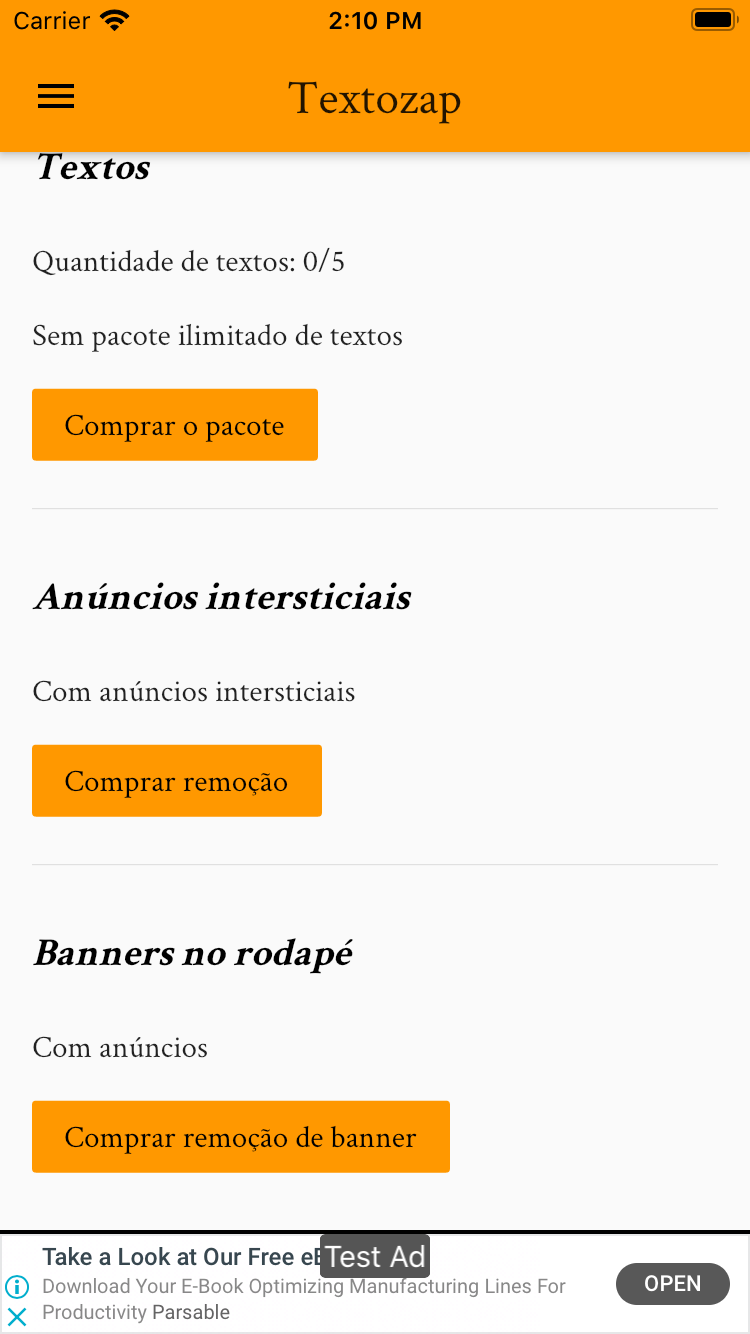
You can create new messages at any time. The app is free for up to 5 distinct messages, at no cost. For more messages, there is an option to purchase an unlimited message package with indefinite use.
Some usage examples:
- Customer support teams, with the most common responses used in replies.
- Coaches, to communicate with students by sending guidance or event information.
- Freelancers, to share their contact details (phone, email, address, etc.).
- Teachers, to send students information and exercises.
- Event coordinators, to guide guests about the venue and date.
- Individuals, to send good morning messages to friends.
- Sending messages about working hours on holidays, long weekends, or special days.
- Sending bank details for receiving payments.
- Sending an address for clients to pick up materials.
- Medical clinics confirming appointments in advance.
- And many more uses!
The substitution feature is especially interesting and useful. Imagine you frequently send an appointment confirmation request like: "You have an appointment scheduled with Dr. Paulo on xxxxxx at yyyyy. Do you confirm?" Note that the message needs to be adjusted with each send. This app makes that easy. You register a template message such as "You have an appointment scheduled with Dr. Paulo on ** at **. Do you confirm?" and, at the time of sending, the app recognizes each placeholder (two asterisks together) and prompts you to fill in the content for each one. You simply type the date and time (in separate fields, in this case) and send. The app will insert each piece of content in the correct place and prepare the message for you to send via WhatsApp, Telegram, Twitter, Skype, or any other app installed on your device.
Important: You need to have the desired messaging app installed on your device. This app does not replace any official messaging platform. The names of the messaging apps mentioned above are the property of their respective owners, and we have no affiliation with those companies.
Now available on the Google Play Store (Android) and Apple App Store (iOS).
Related Apps + Games
View All-
Featured
Word Farm Scapes: New Free Word & Puzzle Game
by Mobiman
-

Hide Secrets
by TheAppGuruz
-

Kazila VPN - Easy and Secure VPN Tunnel
by Mobiman
-

WeTime: Happy Family Social Network – Family Time
by Game Geeks News